Login and account access at Gold Casino

Gold Casino

Securing your Gold Casino account begins with logging in safely. Here you will find instructions for setting a strong password, recovering lost login details and resolving common access problems.

18+

Log in

Secure access

Access to your account requires personal credentials that protect your funds and data. Use a unique and complex password that combines letters, numbers and special characters. Avoid sharing your login details and access only from trusted devices. Verify that the connection is secure before entering sensitive information.

When you log in, note that the platform supports access from both mobile browsers and desktop devices. Instant play allows you to start without additional downloads. Keep your access details confidential and do not save them on public or shared browsers.

If you experience problems accessing your account, the support team is available to assist you. Remember that actions such as changing your password regularly and reviewing your session history are recommended practices to maintain security. In case of any suspicious activity, report it immediately to customer service.

Keep your browser and operating system updated on your devices to ensure maximum security. Use trusted internet networks, preferably private connections, when accessing your account. Protecting your information begins with safe habits at your end of the connection.

Forgotten password

If you forget your password on Gold Casino, accessing your account requires you to verify your identity. The process is designed to protect your account against unauthorised access. You have options to recover access and resume playing. Please note that the platform uses industry-standard security measures to confirm you are the account holder.

The first step is to find the recovery option on the login page. Gold Casino offers support via email for account-related matters. When you contact them, be prepared to provide verification information such as your username, registered email or personal data associated with your profile.

When requesting password recovery, have ready information that only you would know: the email or phone number you registered with, or answers to security questions if you set them up. The platform also supports access from mobile devices and web browsers, so you can start the process from whichever device you prefer.

After confirming your identity, you will be able to set a new password. Choose a strong combination that includes letters, numbers and special characters. Avoid obvious personal information. A robust password significantly reduces the risk of unauthorised access to your account and your funds.
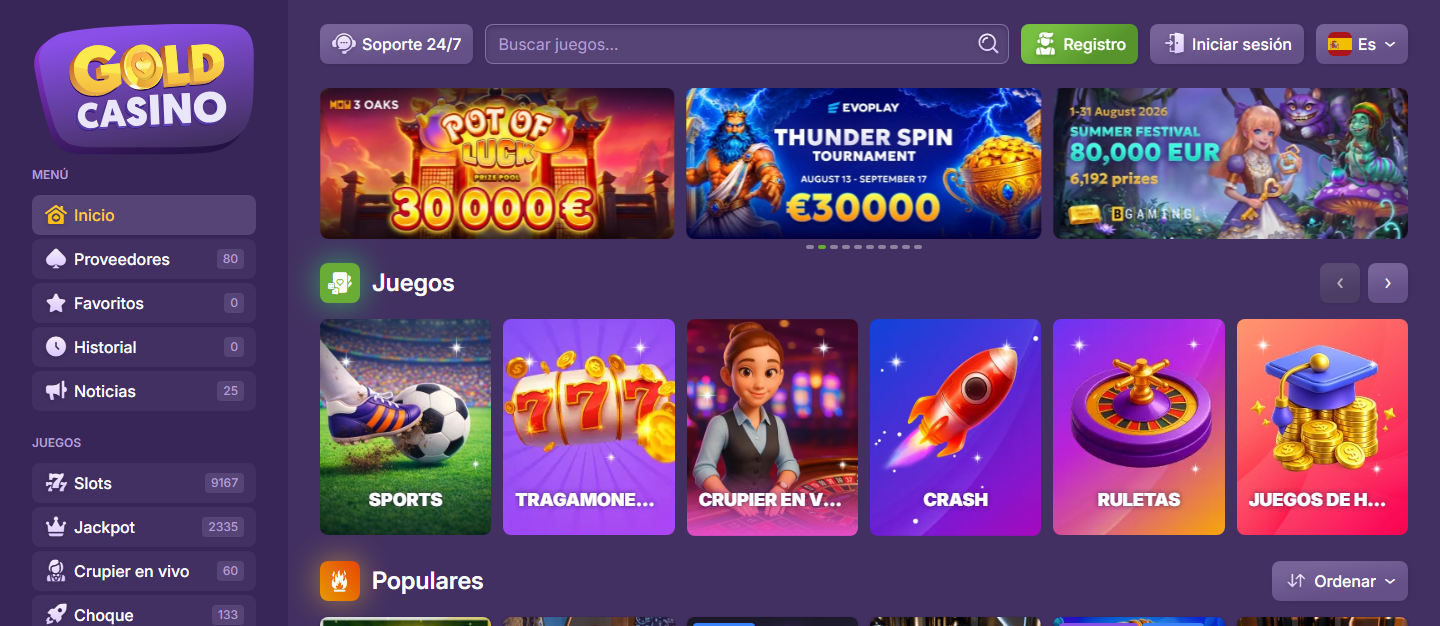
What you should know about account access

Your account access is managed through the online platform. You can access it directly from a web browser on mobile devices and desktop computers. The site is designed to work without requiring any additional downloads, allowing you to play immediately once you have logged in with your credentials.

To keep your account secure, store your login details in a safe place and do not share them with third parties. If you forget your password or have difficulty accessing your account, customer support is available via email to help you recover your account access quickly and securely.

The platform is optimised for different browsers and devices. Make sure you are using a secure connection and an up-to-date browser when accessing your account. If you experience technical problems when logging in, try clearing your browser cache or accessing from another device to rule out local issues.

Keep the account recovery details you provide during registration. This information is important for verifying your identity if you need assistance with your account in the future.

  • Access available through web browser with no app required
  • Compatible with mobile devices and desktop computers
  • Keep your login credentials private and secure
  • Technical support available by email for access issues
  • Verify your secure connection and up-to-date browser before logging in
  • Account recovery available through confirmed registration data

Account lockout and recovery

Account lockout is a security measure that protects your access when suspicious login attempts or repeated failed attempts are detected. After several incorrect password attempts, your account becomes temporarily locked to prevent unauthorised access. This lockout period typically lasts from minutes to hours, depending on the security policy in place.

To recover access to a locked account, you can use recovery options linked to your profile, such as a recovery email or additional verification methods. Gold Casino offers support via email to assist you in the unlock process. Contact the support team with your account details and they should verify your identity before restoring access.

If you forget your password, look for the «Forgot your password?» option on the login page. You will receive instructions at your registered email to create a new password securely. Complete this process from a trusted device and create a strong password with varied characters.

Keep your recovery data up to date to avoid access issues. Use unique passwords for your casino account and consider the additional verification options available. If you experience persistent problems, the support email is your main channel for receiving personalised assistance with unlocking your account.

Mobile access to your account

Gold Casino allows you to access your account from mobile devices through the optimised web version. This option offers you flexibility to manage your profile, review your balance and check your history from anywhere. Mobile web access maintains your account security with the same protocols as the desktop version.

The platform works directly in your device's browser without needing additional downloads. This means your personal data remains protected and you can access quickly without using storage space. The responsive design adapts automatically to your screen size for a comfortable experience.

To access, simply open your mobile browser and enter your login credentials as you would on a desktop device. Connection speed and your browser affect the experience. If you experience problems with access or need assistance, the support team can help you via email.

Two-factor authentication and account security

Two-factor authentication adds an extra layer of protection to your account by requiring additional verification alongside your password. This method makes it difficult for unauthorised access to compromise your account, protecting your funds and personal data.

When you set up two-factor authentication, you will receive verification codes via secondary channels such as email. These codes are unique for each login attempt and must be entered to complete the login process securely.

Keep your password strong and unique, avoiding reusing it on other platforms. Update your registered contact methods regularly to ensure you can receive verification codes without problems when you need them.

If you experience unauthorised access or suspect suspicious activity on your account, contact the support team via the available channels to report the incident and take corrective measures immediately.

FAQ

Can I change my email address after I have created my account?

This depends on the settings of Gold Casino. Contact support for help changing your email address.

How long is my password recovery link valid for?

Recovery links generally have a limited validity period for security reasons. If your link has expired, request a new email message.

What should I do if I do not receive a password recovery email?

Check your spam folder and verify that you entered the correct email address. If you still do not receive the recovery message, use a verified support channel.

Can I take over someone else's account?

Only manage your own account. Do not share your login details and do not use anyone else's account.

Is Gold Casino safe for logging in on public WiFi?

Public WiFi networks are less secure. Use a trusted private network where possible and avoid managing money on public WiFi.

Responsible Gambling